Inode press kit
Everything on this page may be reproduced in coverage of Inode. For review licenses, interviews, or anything missing here: hello@inode.pro.
Tagline
Inode: the dual-pane file manager that knows where you're working.
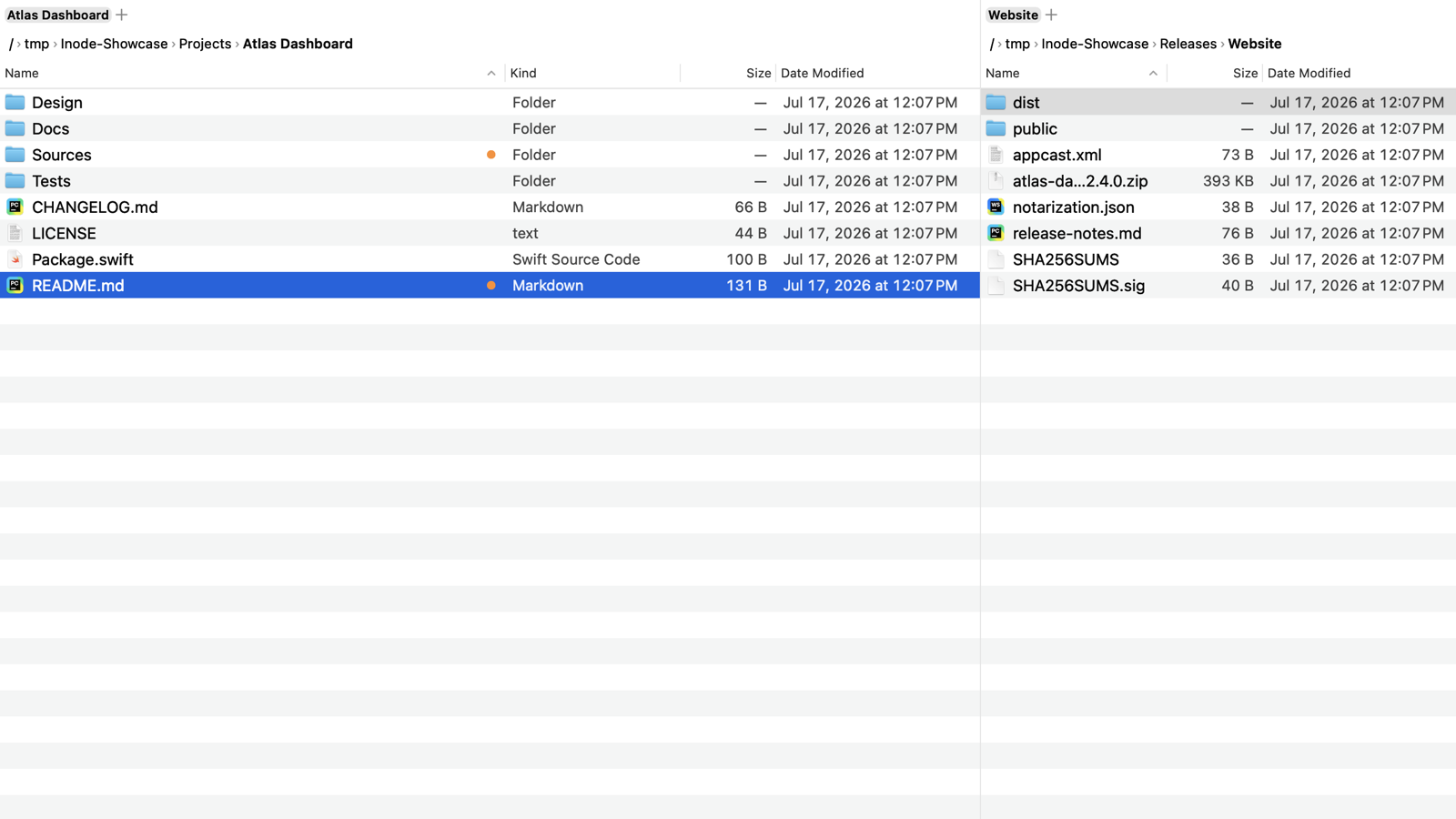
The folders your shells, editors, and coding agents are using show up in the sidebar, one keystroke away.
Descriptions
One sentence
Inode is a keyboard-driven dual-pane file manager for macOS that lists the folders your shells, editors, and coding agents are working in.
Short (~60 words)
Inode is a native dual-pane file manager for macOS in the commander tradition. Its sidebar shows the working directories of running shells, tmux sessions, editors, and coding agents, and Go Anywhere jumps to any of them in a few keystrokes. Finder's shortcuts and the classic function keys both work. Ask Inode turns plain-language requests into file commands on the Mac with Apple Intelligence.
Long (~150 words)
Inode is a dual-pane file manager for macOS 26 on Apple silicon, built for people who spend
their day in terminals and editors. The sidebar's Active section reads the working directories
of running processes, so the folders that claude, codex, nvim, zsh, or a tmux session are using
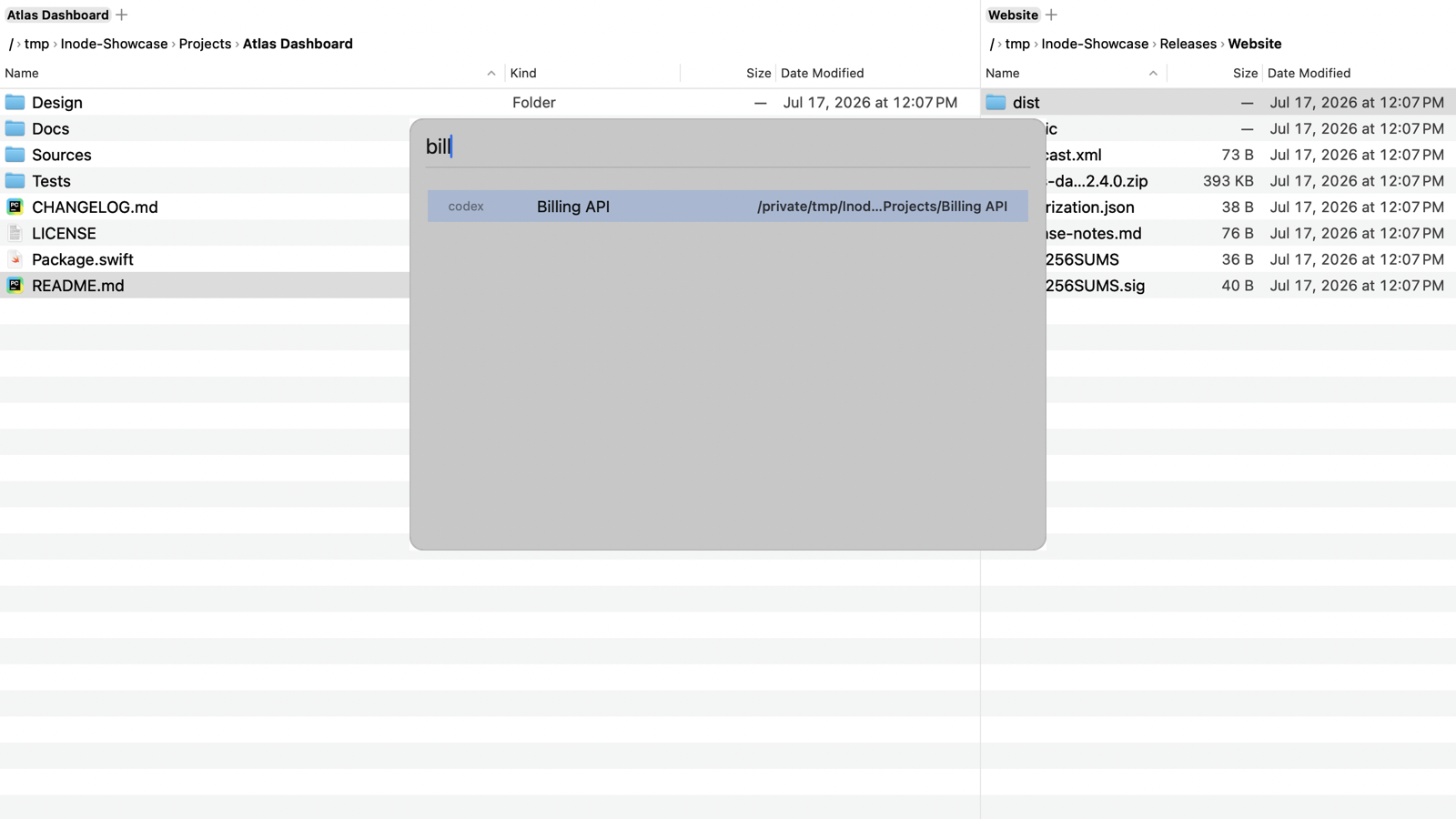
sit one click away. Go Anywhere (⇧⌘G) fuzzy-searches those, recent folders, and favorites in one
list. Finder's keys work out of the box, and F5, F6, and F8 copy, move, and trash. Every file
operation can be undone. Inode connects to SFTP, WebDAV, FTP, SMB, and rclone servers and reads
hosts from ~/.ssh/config. It shows Git status beside file names, opens archives like
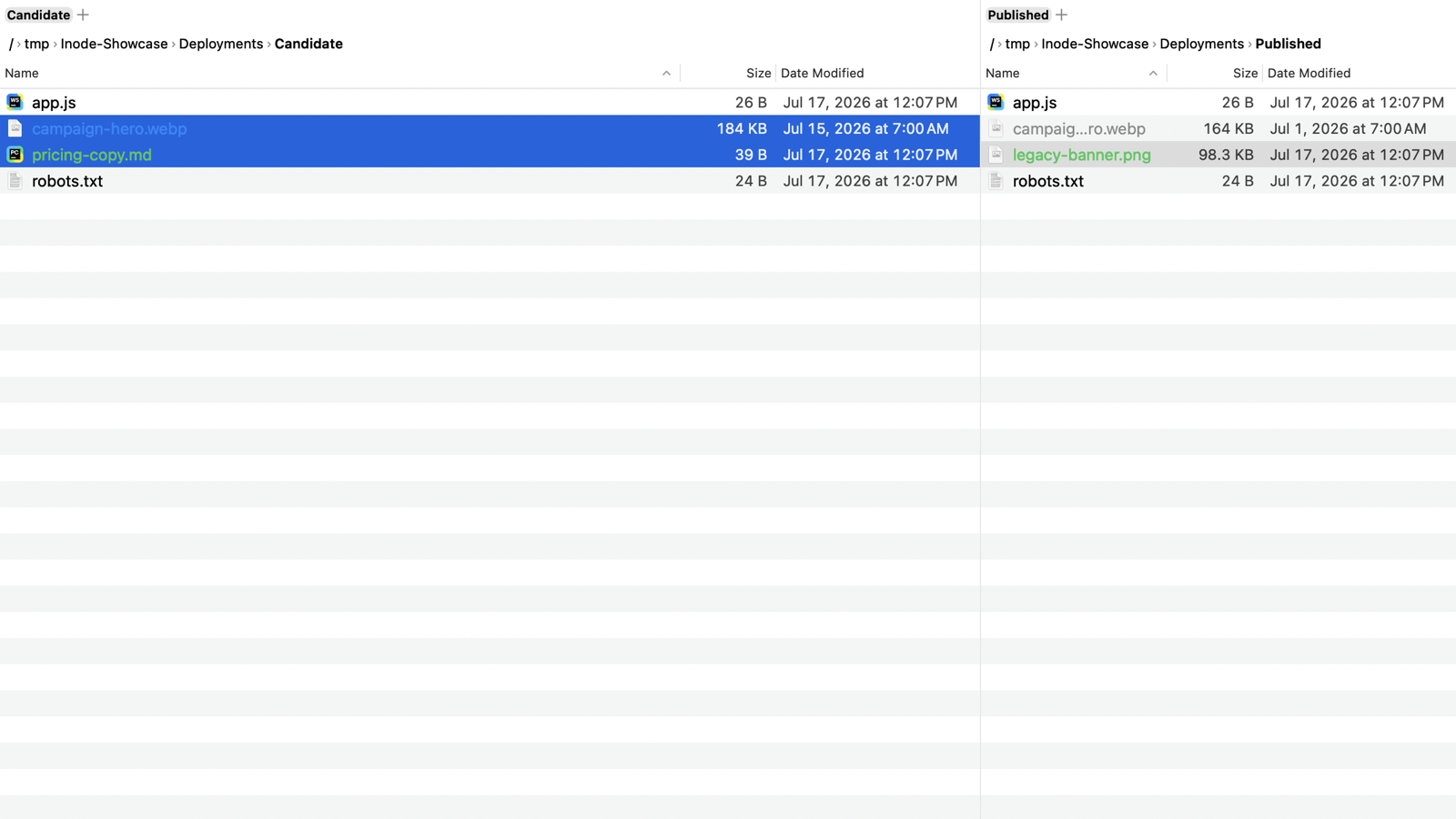
folders, compares and syncs the two panes, previews and edits text in the other pane, and keeps an
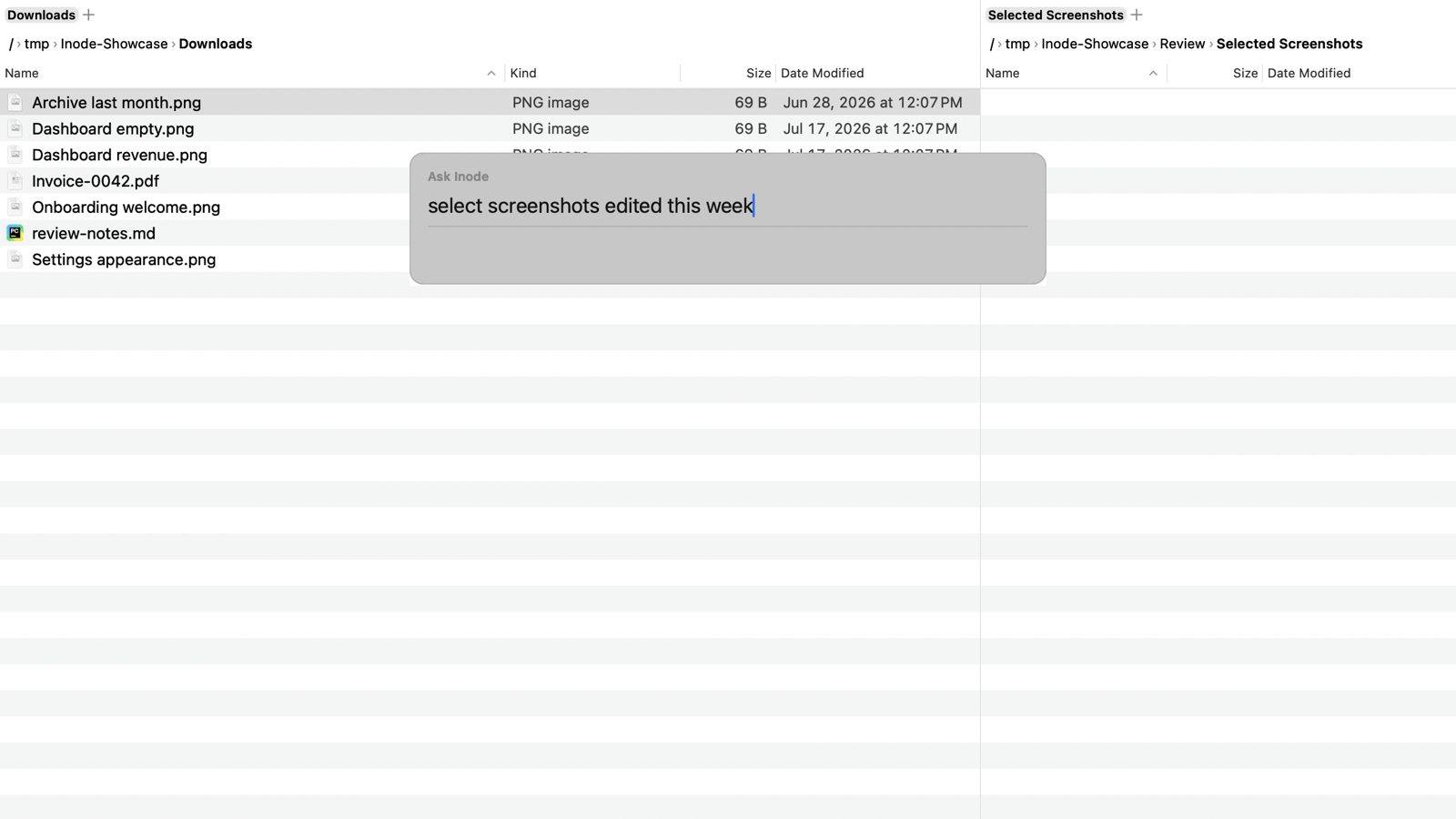
embedded terminal. Ask Inode parses requests such as "select all image files" with Apple's
on-device models. Configuration is one commented JSON file.
Press release
FOR IMMEDIATE RELEASE
Inode: a dual-pane file manager for the Mac that follows your terminals and coding agents
Oberndorf an der Melk, Austria, October 2026. river42, the product brand of Austrian IT consultancy sysinit, offers Inode, a native dual-pane file manager for macOS. Inode lists the folders that running shells, editors, and AI coding agents are working in, so a developer can jump from a terminal session to its files in a few keystrokes.
The sidebar's Active section reads the working directories of running processes, tmux sessions, and open Finder windows. Go Anywhere searches them together with recent folders and favorites. Two panes, tabs, and a path bar with folder completion cover everyday work, with Finder's shortcuts and the classic commander function keys side by side. Inode also browses SFTP, WebDAV, FTP, SMB, and rclone servers, shows Git status in the file list, and opens zip, tar, and 7z archives like folders. Ask Inode turns a sentence such as "delete log files over 50 MB" into a typed command, parsed by Apple Intelligence on the Mac, and asks for confirmation before anything destructive.
Inode requires macOS 26 or newer on Apple silicon and is available as a notarized direct download and as a Homebrew cask. The 14-day free trial does not require an account. A one-time license costs €39/$39, covers three Macs, and includes a year of updates. Installed versions do not expire.
Download and demos: https://inode.pro
Fact sheet
| Product | Inode |
| Category | macOS file manager (dual-pane) |
| Price | €39 / $39 one-time, 3 Macs · 1 year of updates included, renewal €19 / $19 · installed versions do not expire · the 14-day free trial does not require signup |
| Requirements | macOS 26+, Apple silicon · Ask Inode needs Apple Intelligence |
| Distribution | Direct download, notarized, auto-updates · brew install --cask river42-com/tap/inode |
| Privacy | No account; files and Ask Inode requests stay on the Mac; optional error reporting to a self-hosted Sentry (can be disabled) |
| Languages | English and German |
| Developer | river42 / sysinit: Wolfgang Kerschbaumer, Austria |
| Download | Inode-latest.zip |
| Changelog | inode.pro/changelog |
| Contact | hello@inode.pro |
Feature bullets
- Active sidebar section: working directories of running shells, tmux sessions, editors, and coding agents (claude, codex, nvim, and any process you configure)
- Go Anywhere (⇧⌘G): one fuzzy list over process folders, recents, and favorites; literal paths work too
- Two panes with tabs, Finder's shortcuts plus F5/F6/F8, a command palette, and optional vim keys
- Undo for moves, renames, copies, trash, and overwritten files
- Remote servers over SFTP, WebDAV, FTP, SMB, and rclone, with hosts read from
~/.ssh/config - Ask Inode: plain-language selections, filters, searches, and file operations, parsed on-device by Apple Intelligence
- Git status badges, archives as folders, compare & sync, batch rename, Preview Mode with in-pane text editing, embedded terminal
- Configuration as one commented, live-reloaded
config.jsonc
Screenshots
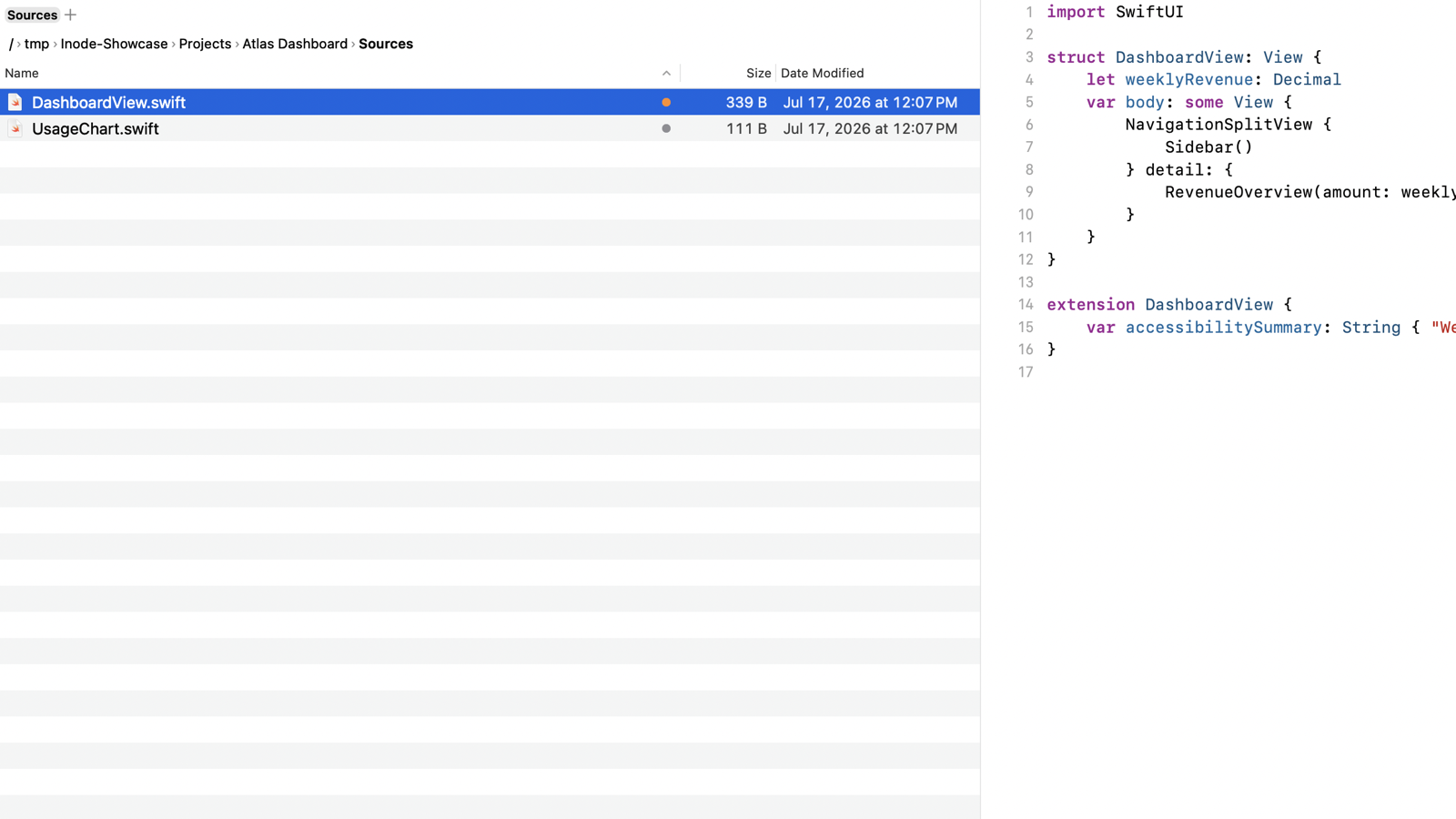
1600 px wide PNGs; click for full size.
Demo videos
Short MP4 clips as used on the homepage; embed or link freely:
- agent-jump.mp4: Go Anywhere jumps to a coding agent's folder
- ask-inode.mp4: Ask Inode selects this week's screenshots
- compare-sync.mp4: compare & sync across panes
Icon assets
Original artwork created for Inode; reproduce unmodified in coverage of the product.



About river42 / sysinit
Wolfgang Kerschbaumer develops Inode at sysinit, his Austrian IT consultancy, and releases it under the river42 brand. river42 builds small, focused tools for macOS and servers that work for their users and stay under their control. river42.com · sysinit.at